Filter any field
Every field of the list — and every field of its related records — is available as a condition.
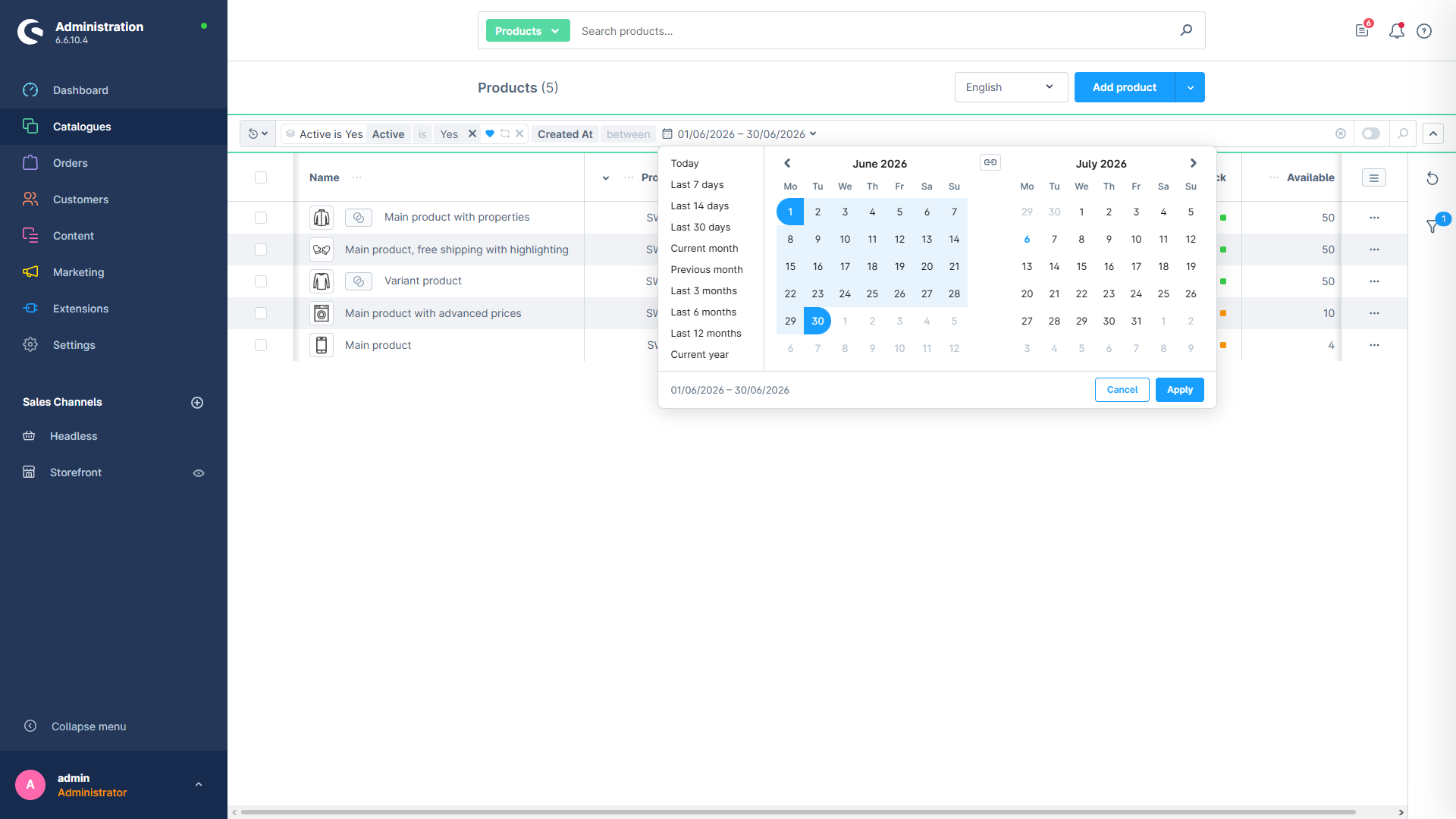
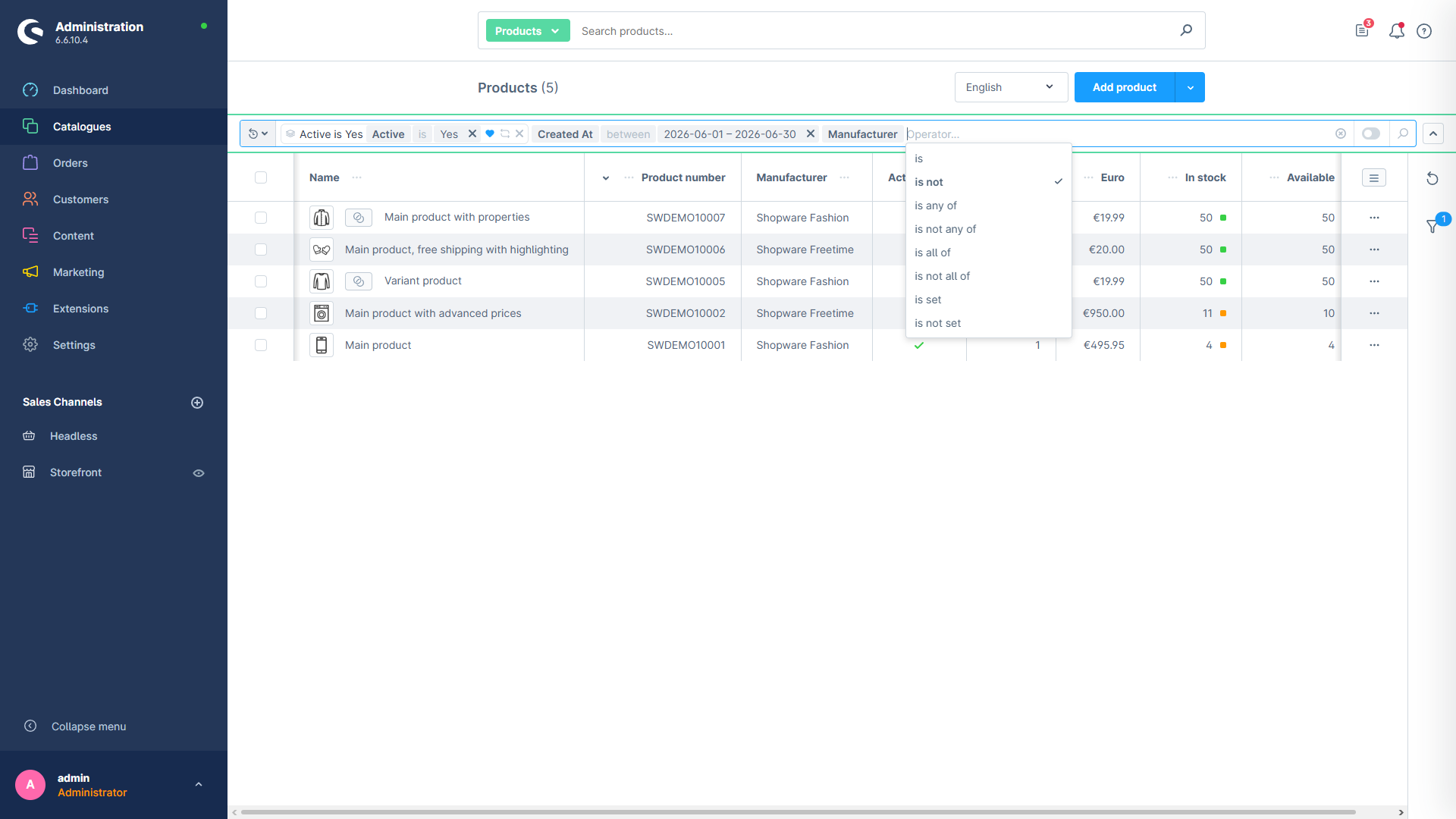
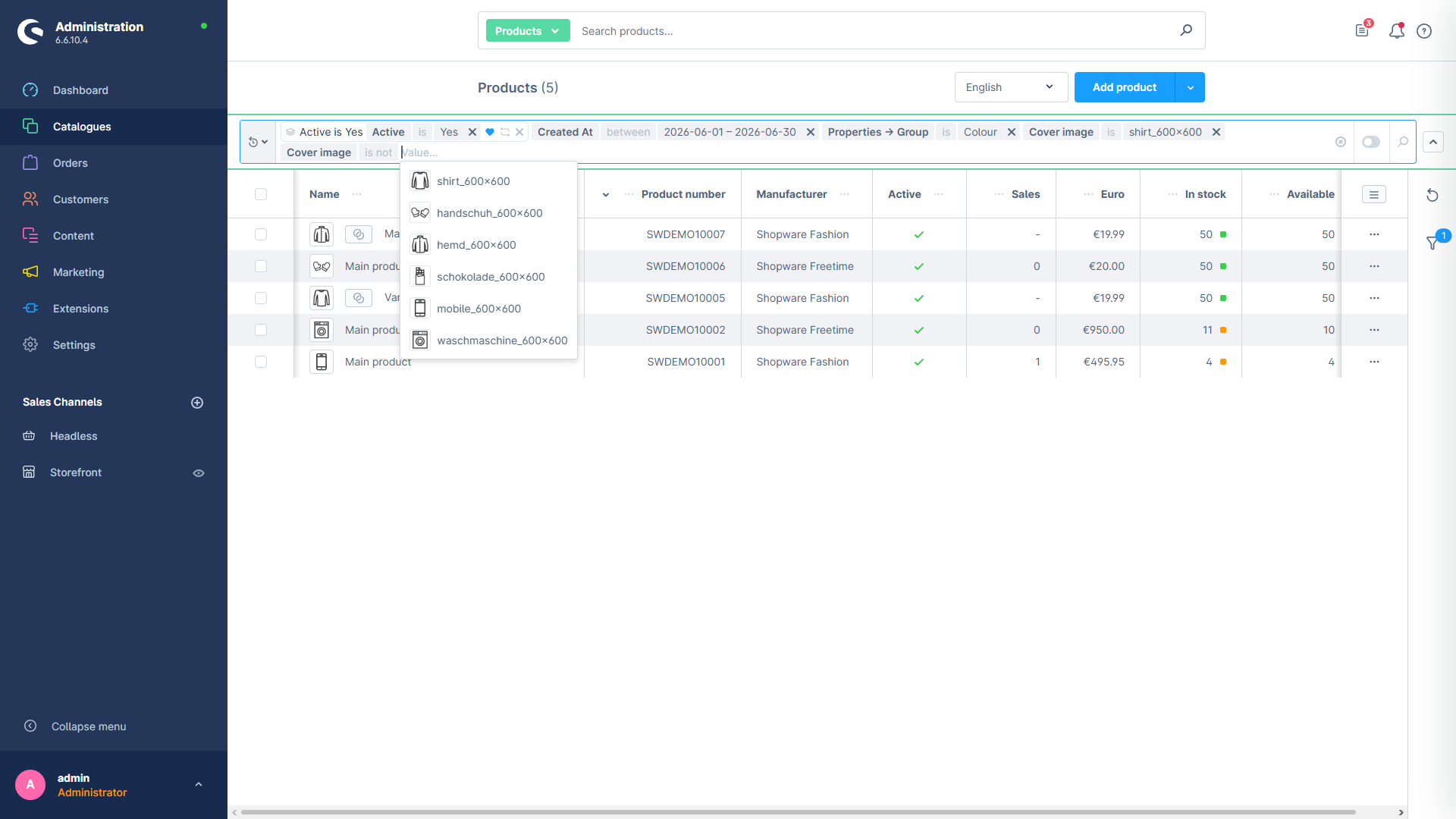
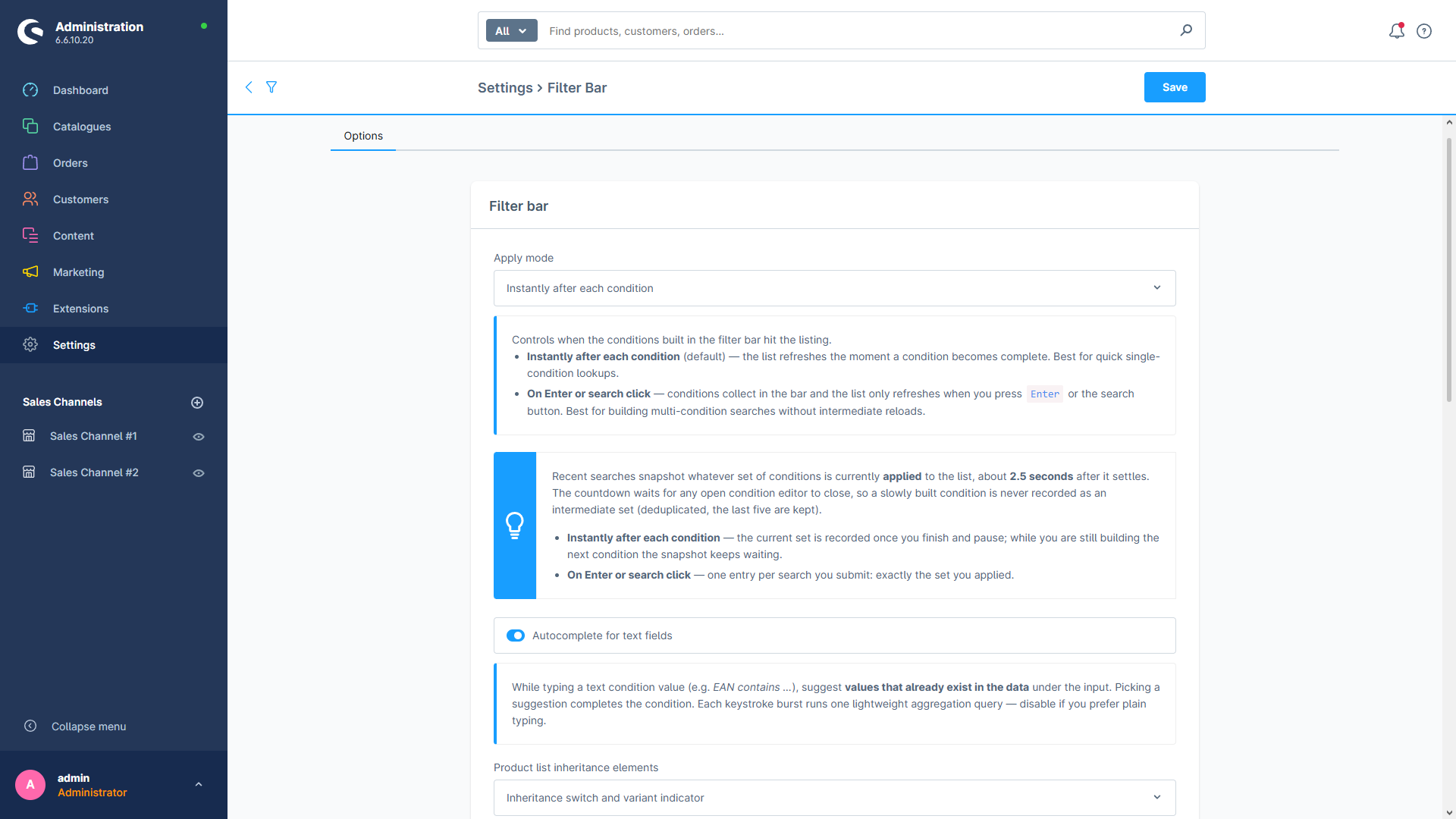
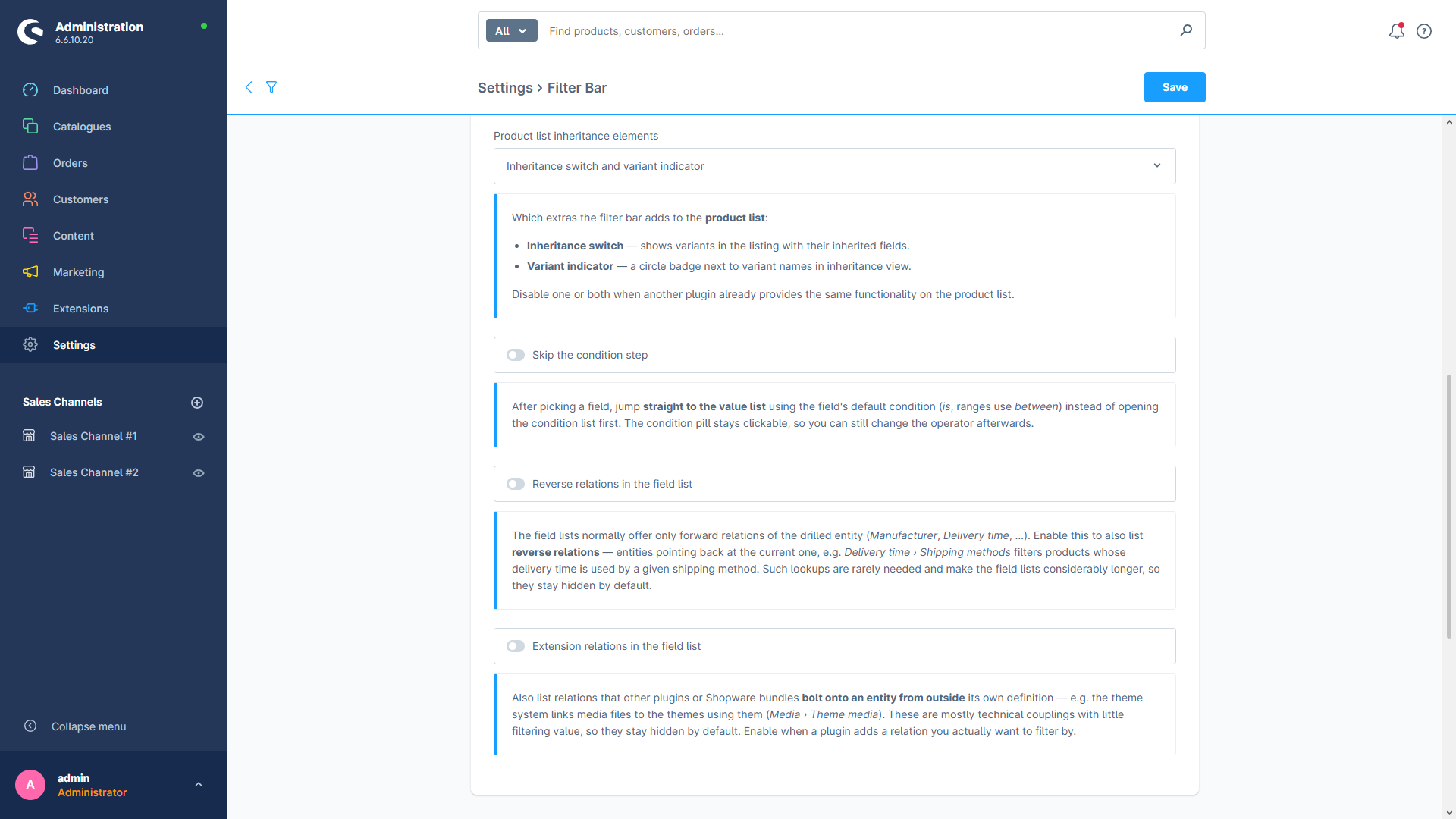
P2Lab Filter adds a single condition bar above the product, order and customer listings in your Shopware admin. Instead of hunting through the sidebar panel, you type into one field and build precise conditions token by token — pick a field, an operator, a value. Everything works with Shopware’s own list filters: conditions appear in the native sidebar, survive reloads, and travel with the page URL.
Filter any field
Every field of the list — and every field of its related records — is available as a condition.
Operators that fit the field
Is, is not, one of, contains, ranges, between, is set — matched to text, numbers, dates and relations.
Reusable groups
Drag conditions together into a named group and re-apply it any time, for yourself or the whole team.
Default filters
Save the conditions you always want, and they apply the moment you open the listing.
Favourites & recents
Pin whole searches, pin frequently used fields, and jump back to what you filtered a moment ago.
Relative dates
A “last 14 days” condition keeps meaning the last 14 days — today, tomorrow and next month.
Start with the Introduction, or jump straight to building your first filter.