Six badge types
Standard, Global, Discount, New, Out of Stock and Top Seller — automatic or hand-picked.
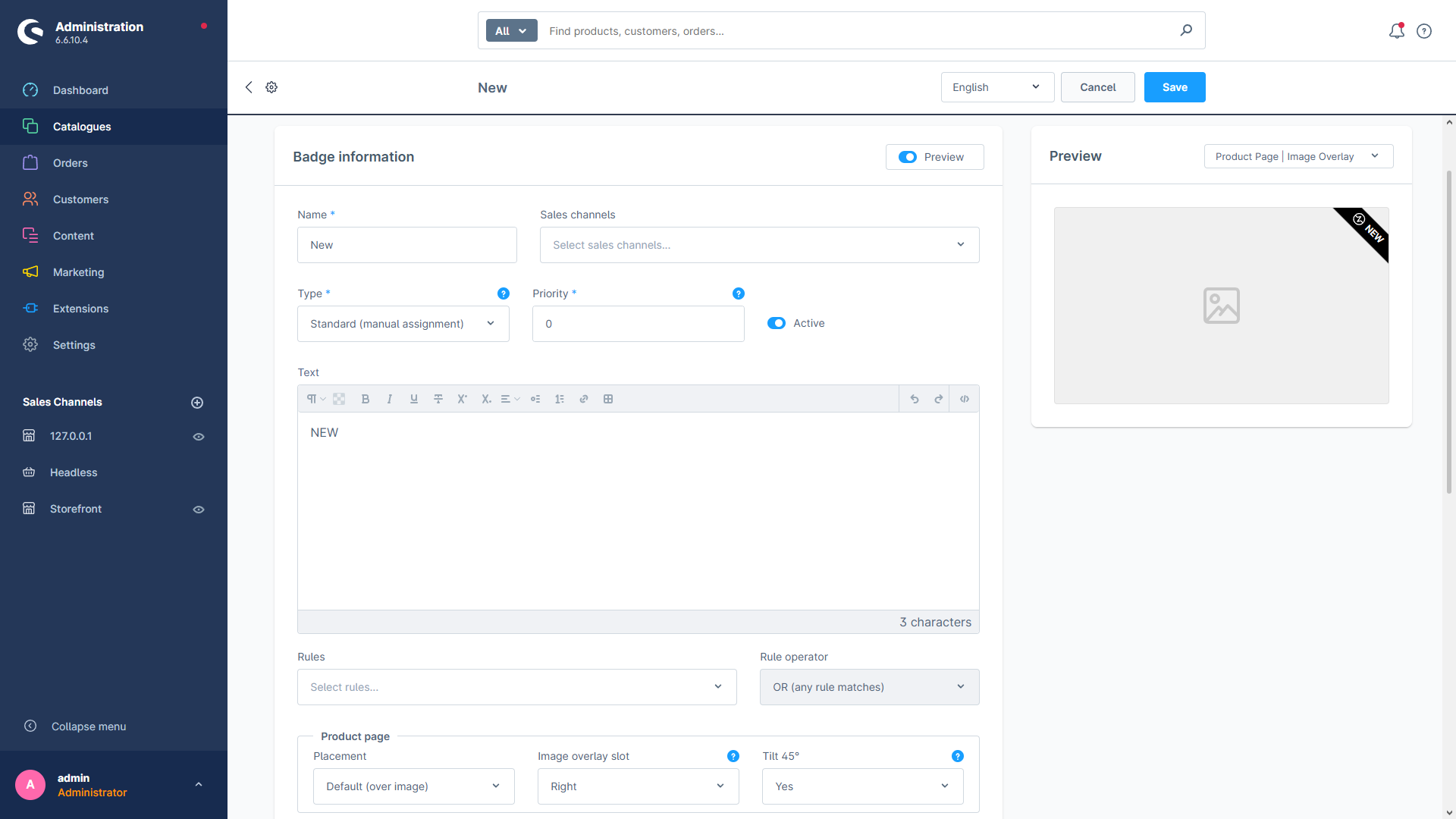
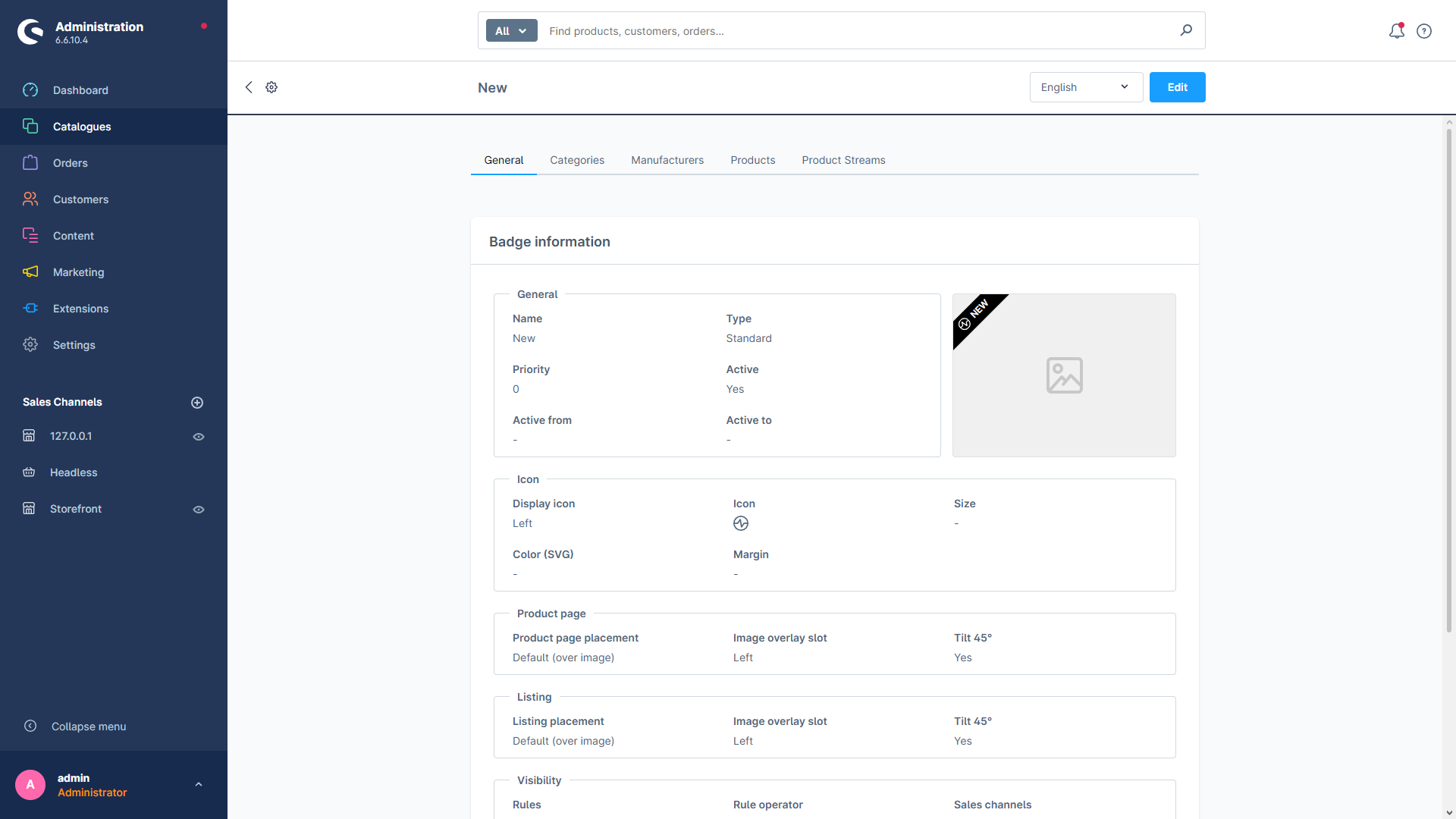
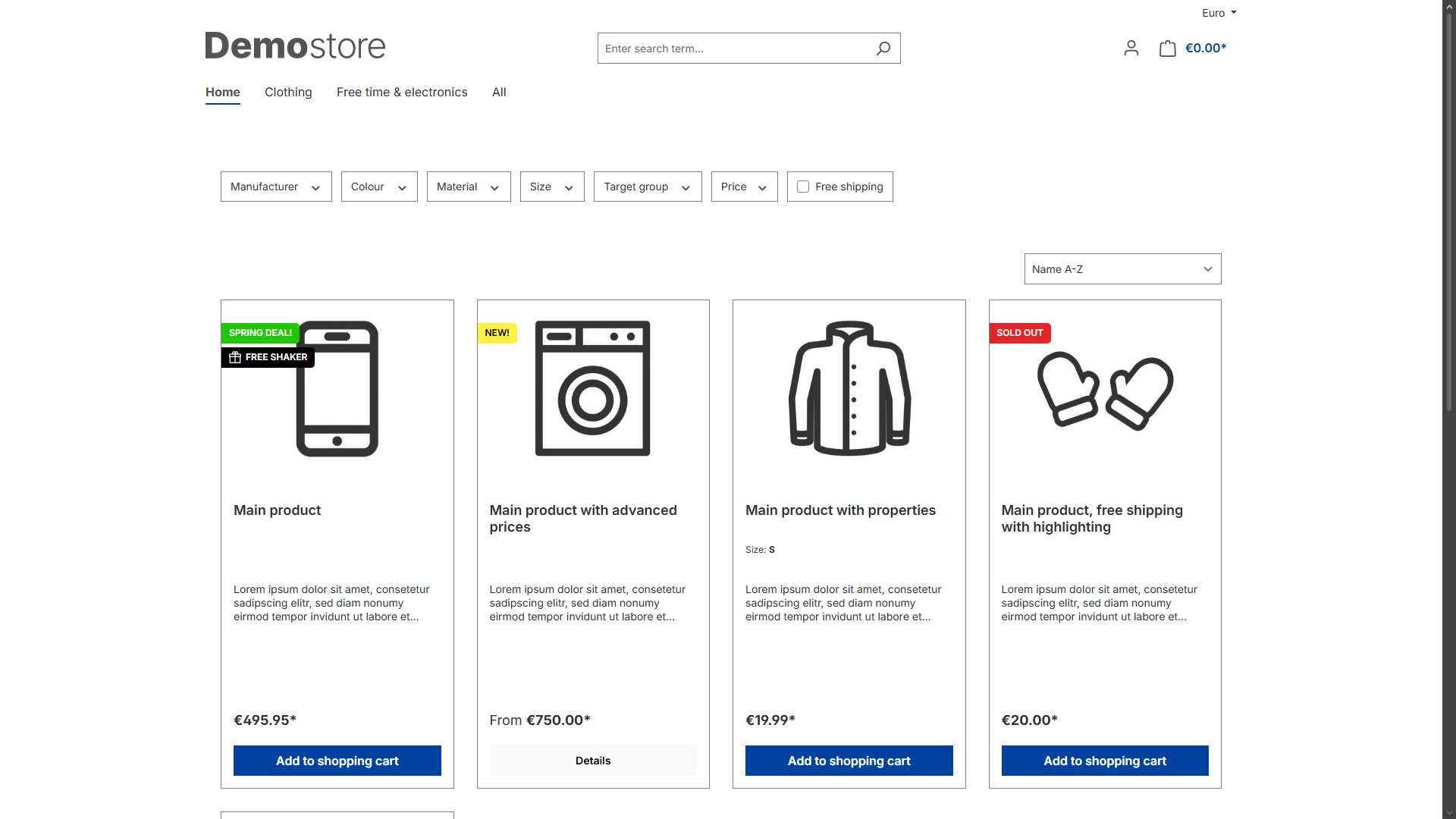
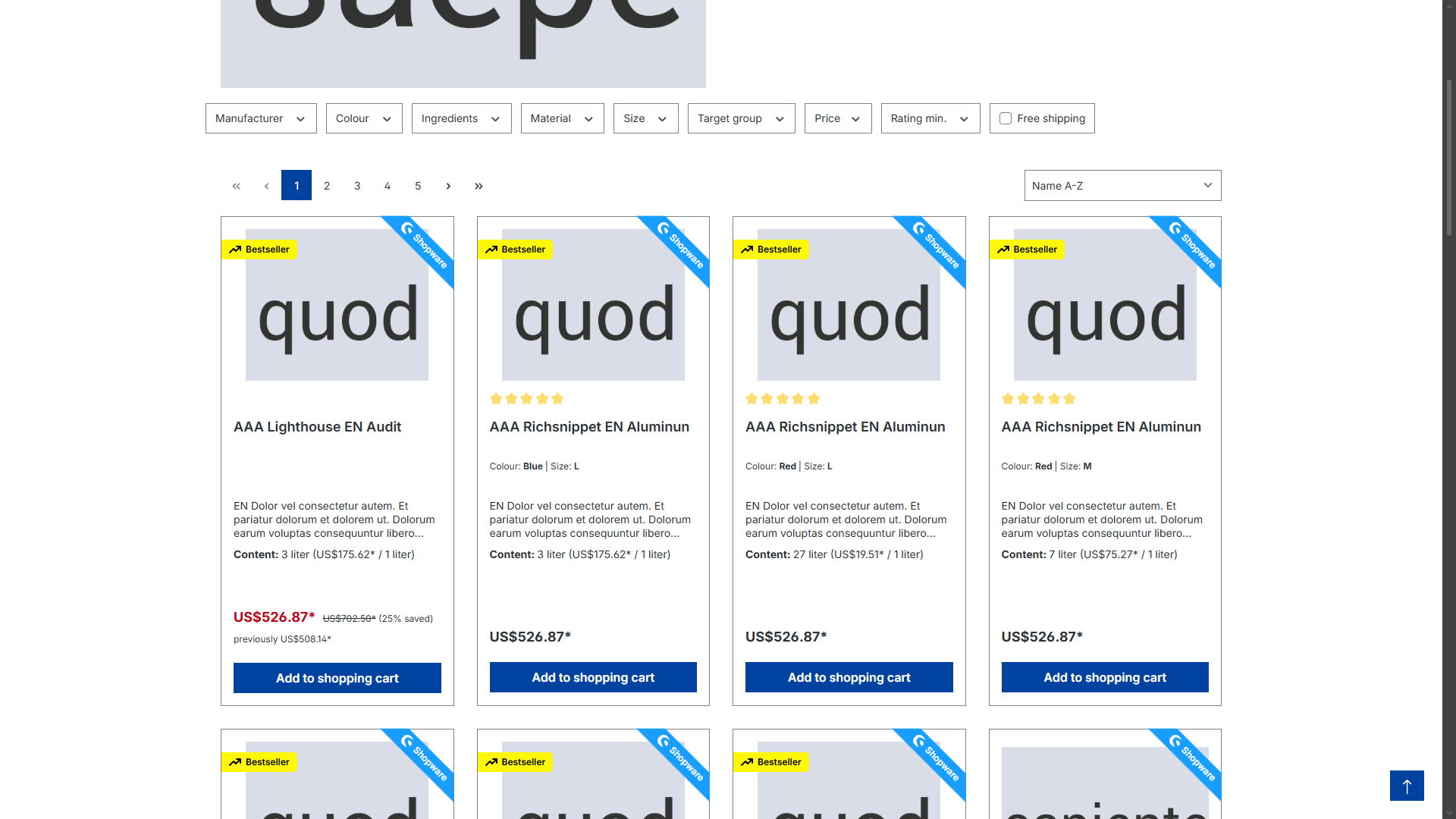
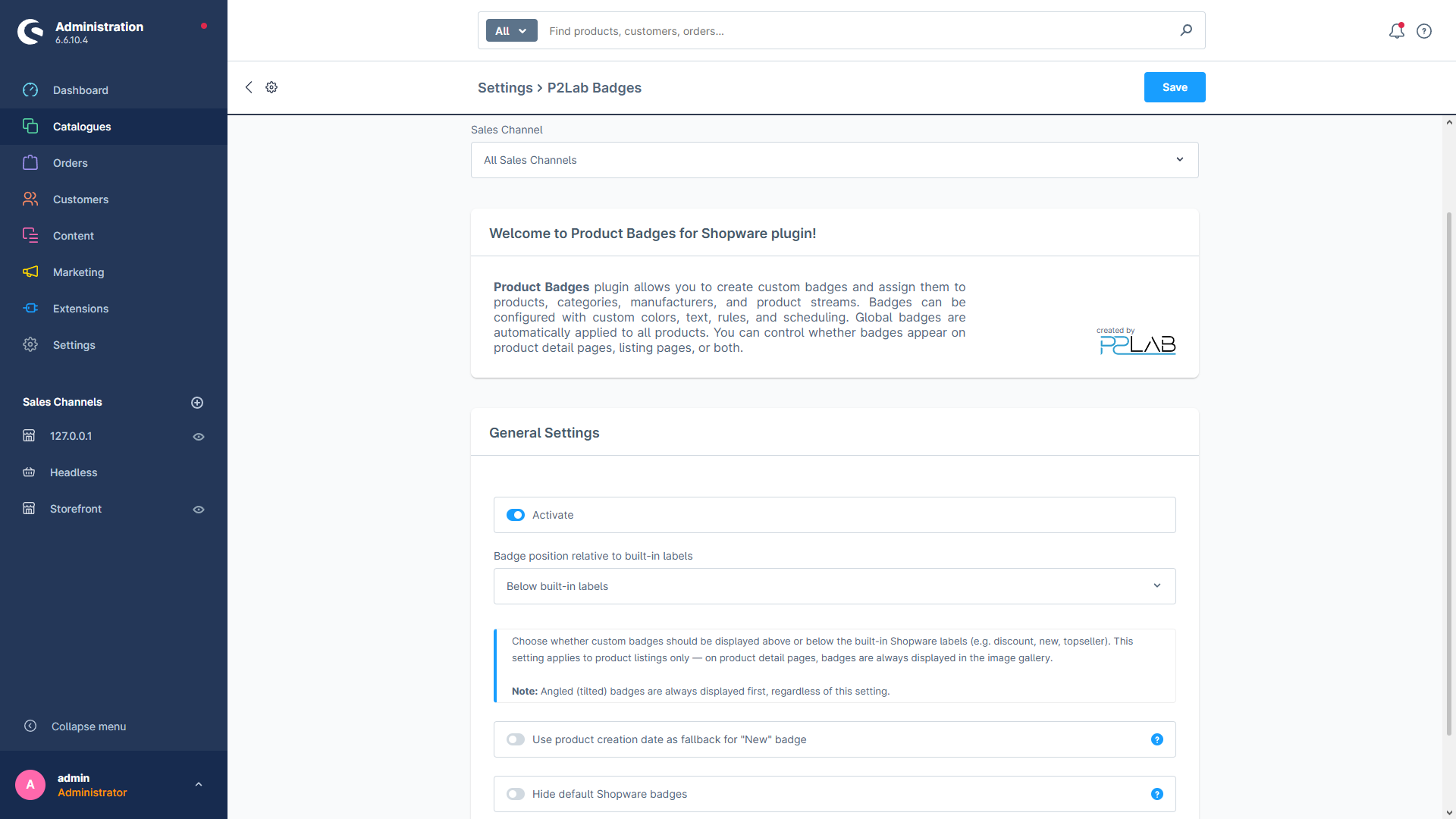
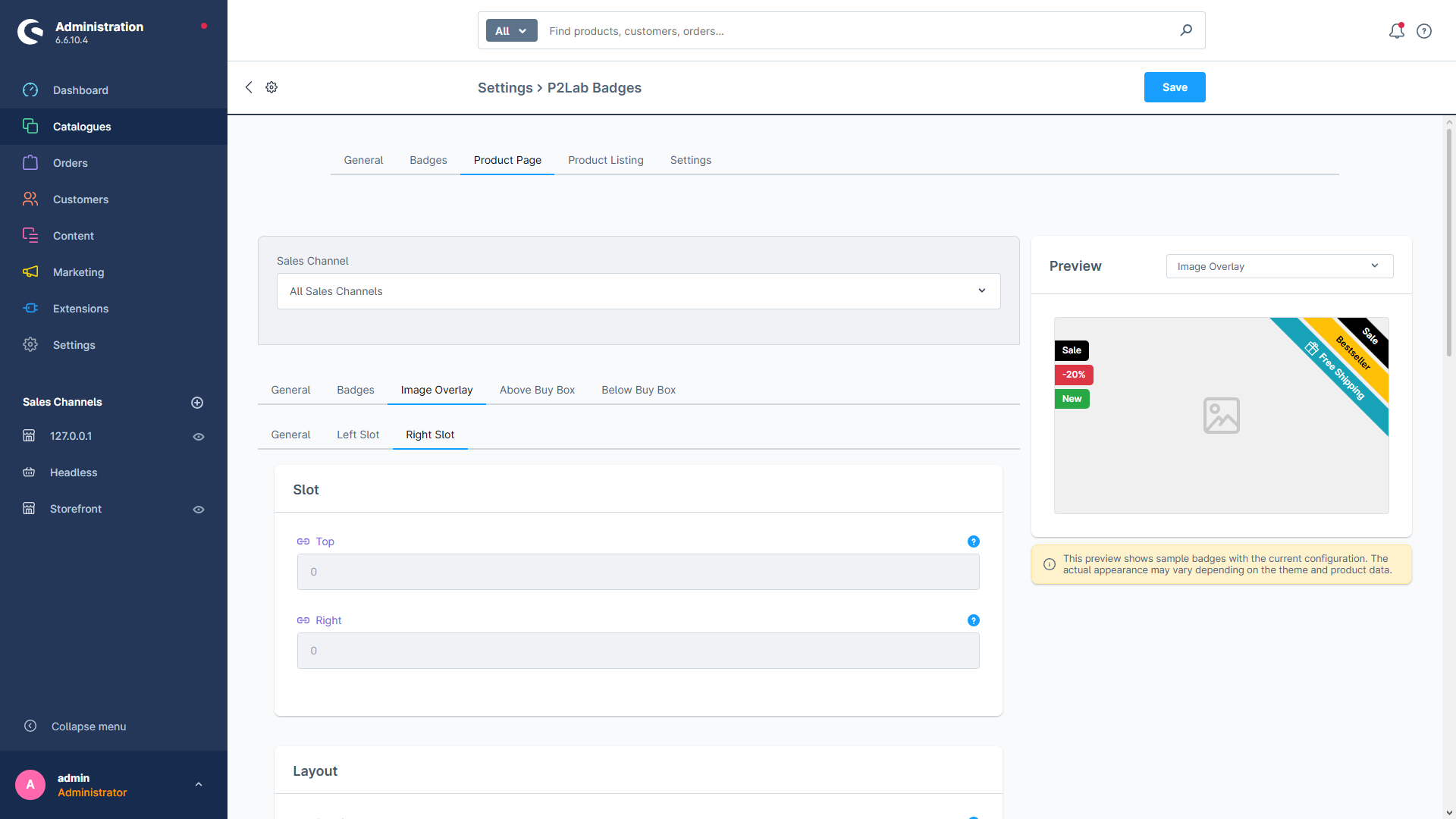
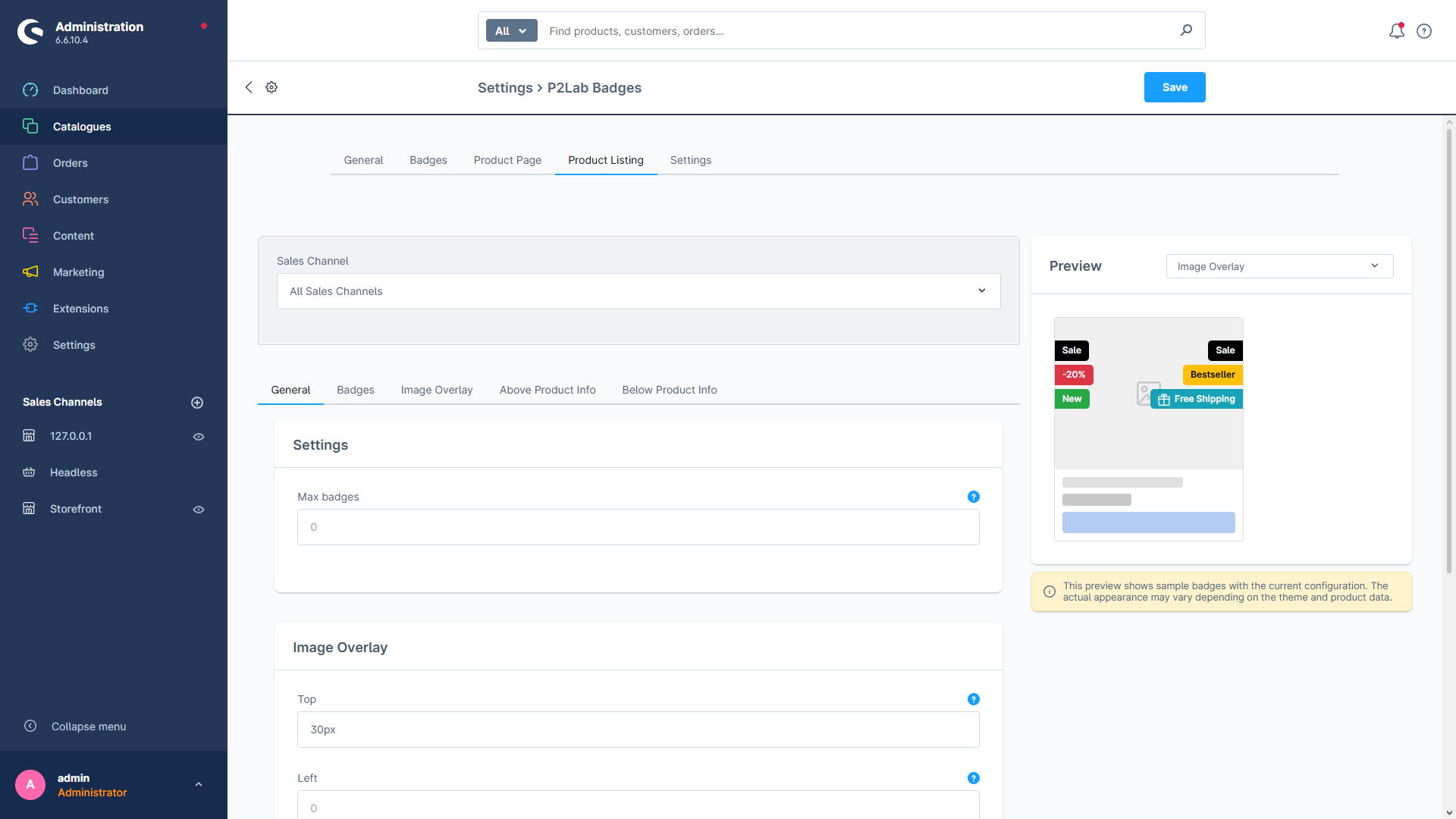
P2Lab Badges lets you put fully styled labels on any product across your Shopware 6 store. Pick a badge type and the plugin handles the rest — Standard badges follow your manual assignments, automatic types light up only when their condition is met (discount, new arrival, sold out, top seller), and Global badges appear everywhere.
Six badge types
Standard, Global, Discount, New, Out of Stock and Top Seller — automatic or hand-picked.
Flexible placement
Image overlay (left + right slots), above/below the buy box, around the product name in listings.
Corner ribbons
45° angled ribbon badges, automatically sorted by text length for a clean layered look.
Full styling
460+ SVG icons, custom colors, backdrop filters, live preview — all with CSS custom properties.
Every badge has its own colors, icon, schedule and priority — no theme code required.