Full-page cache
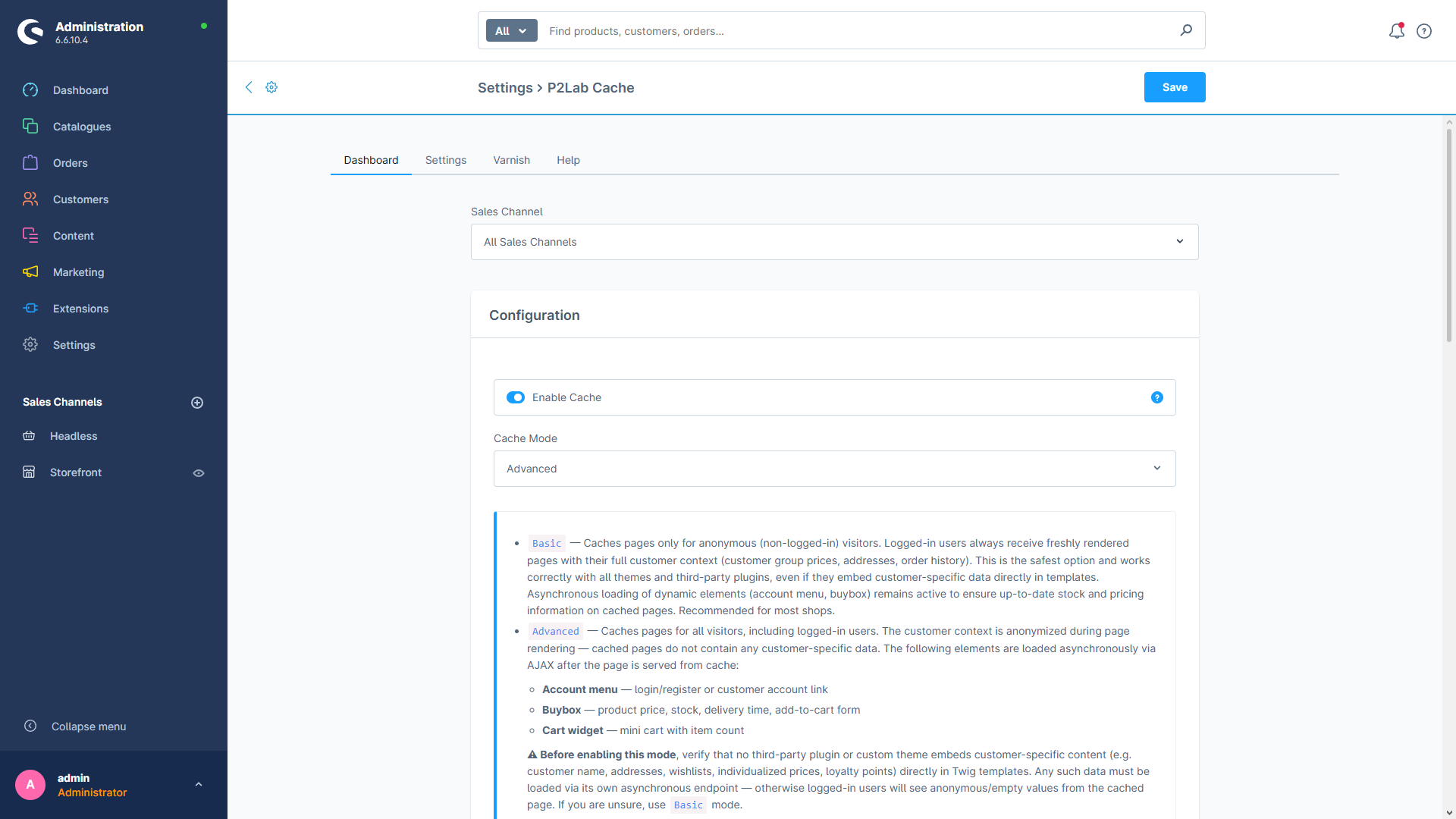
Cache home, navigation, product, CMS and async buybox responses with per-route toggles.
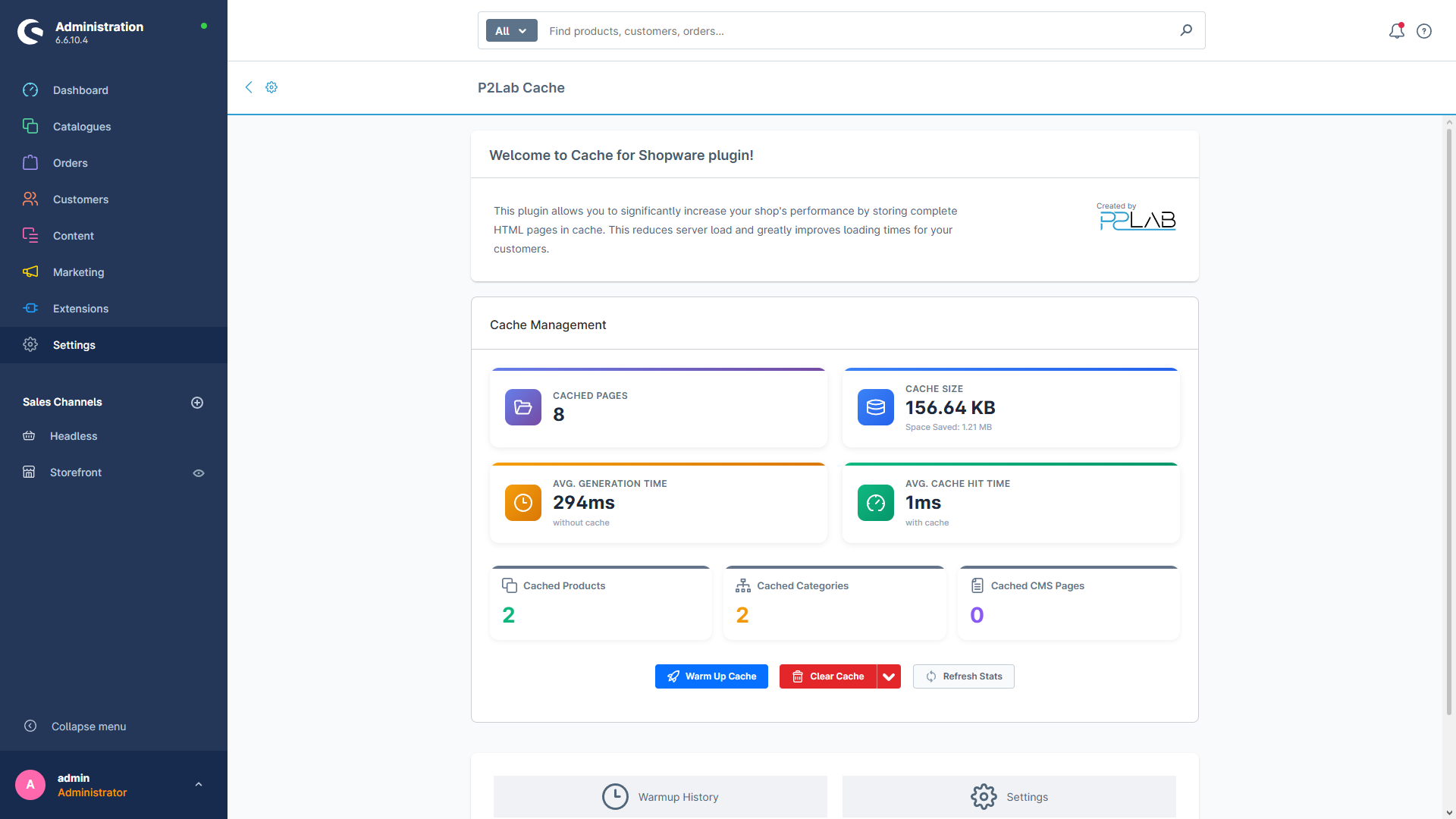
P2Lab Cache (sold under the name Speed Boost in the Shopware store) is a full-page caching plugin for Shopware 6. It stores complete HTML responses and serves them on subsequent hits, so your storefront stops rebuilding the same pages over and over. When something changes, a smart analyzer figures out exactly which cached pages are affected and purges only those — not the whole cache.
Full-page cache
Cache home, navigation, product, CMS and async buybox responses with per-route toggles.
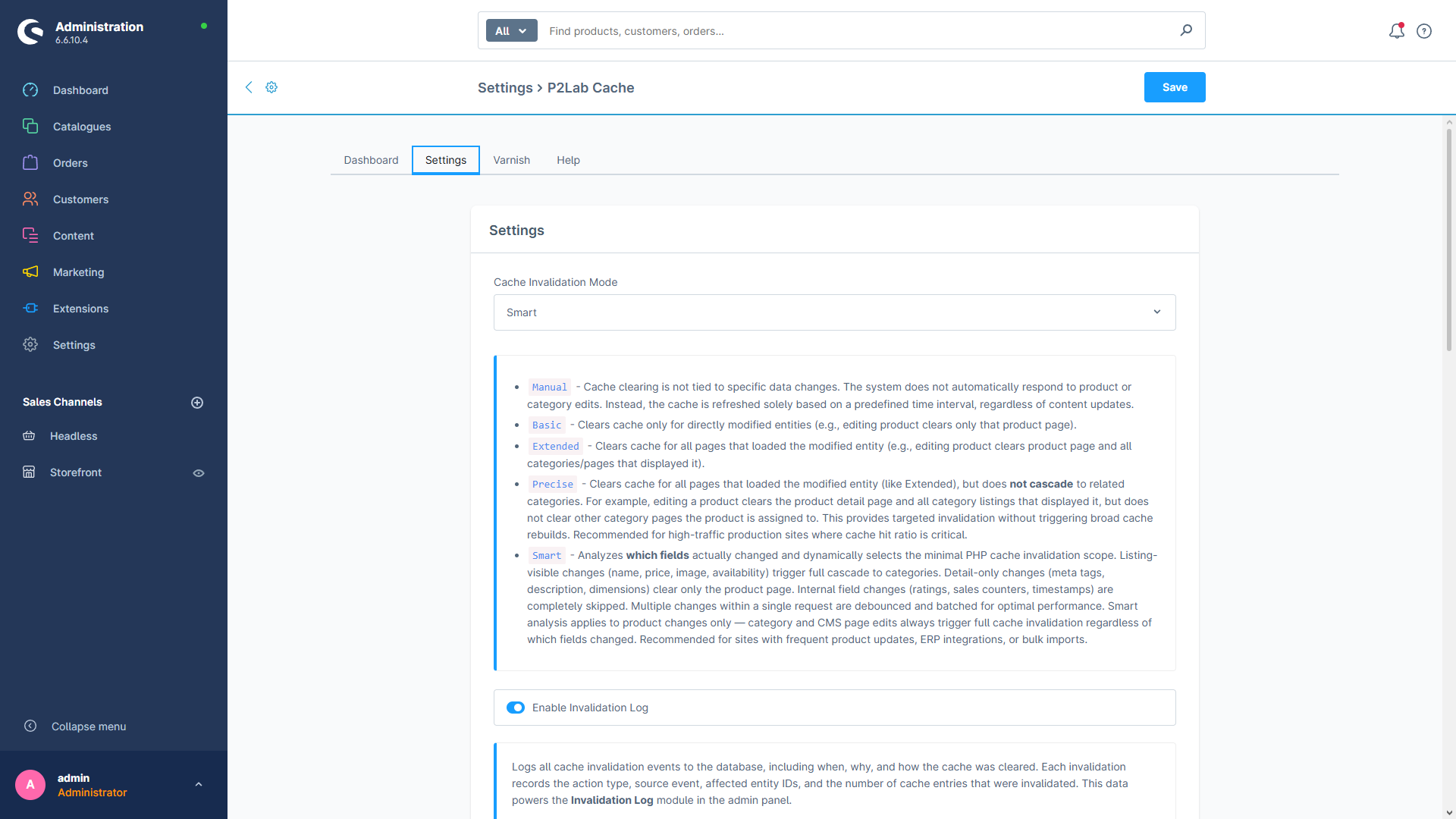
Smart invalidation
Field-level analysis purges only the pages affected by an actual change — five modes from Manual to Smart.
3 storage backends
Filesystem, Redis or APCu — pick what matches your infrastructure.
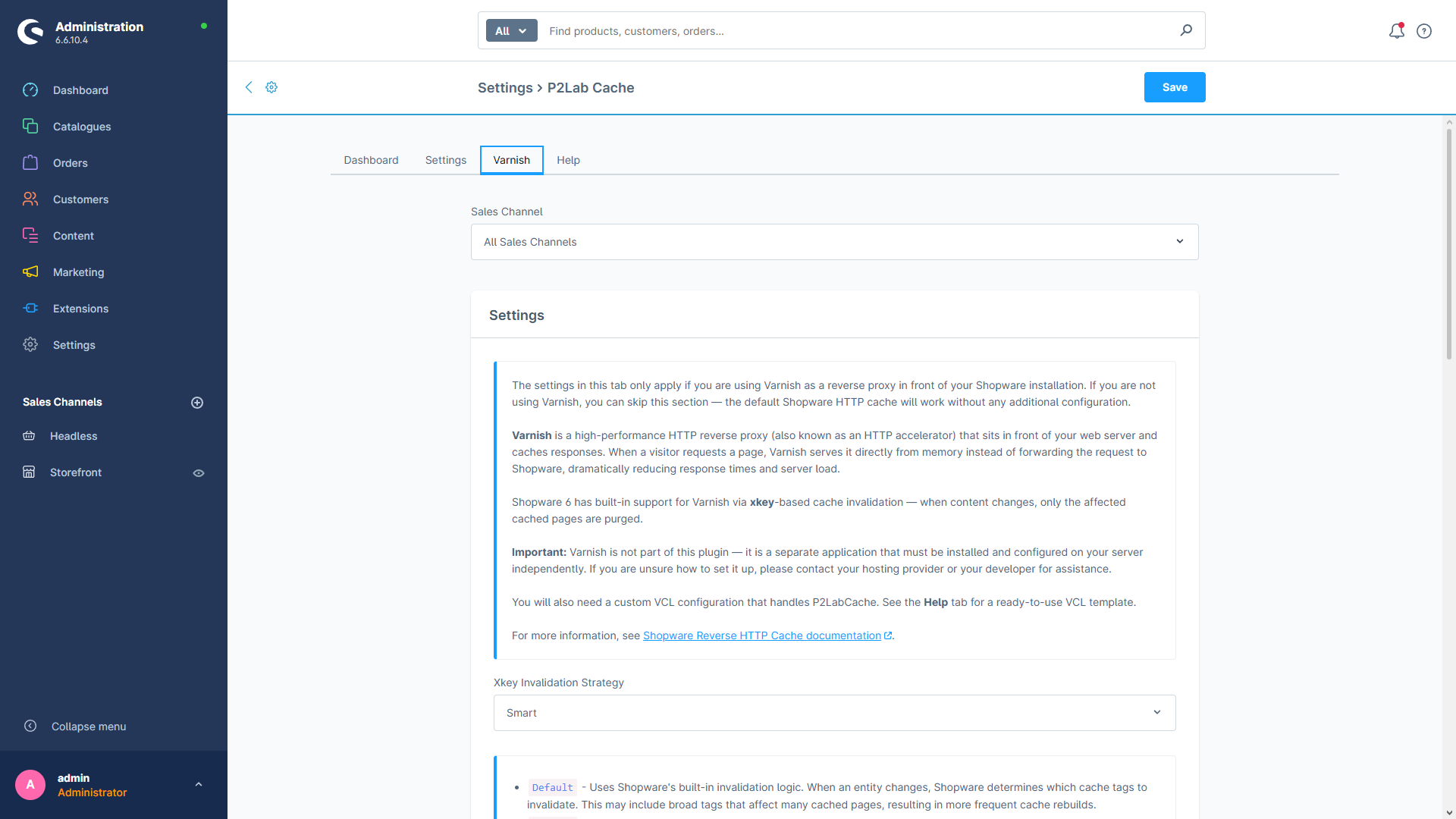
Varnish + warmup
Enhanced xkey integration for Varnish, plus async cache warming to eliminate cold starts.
X-P2Lab-Cache-Status / X-P2Lab-Cache-Generation-Time headers tell you what happened.Every cache entry, invalidation event and Varnish purge can be logged and reviewed inside the admin module under Settings → Speed Boost.